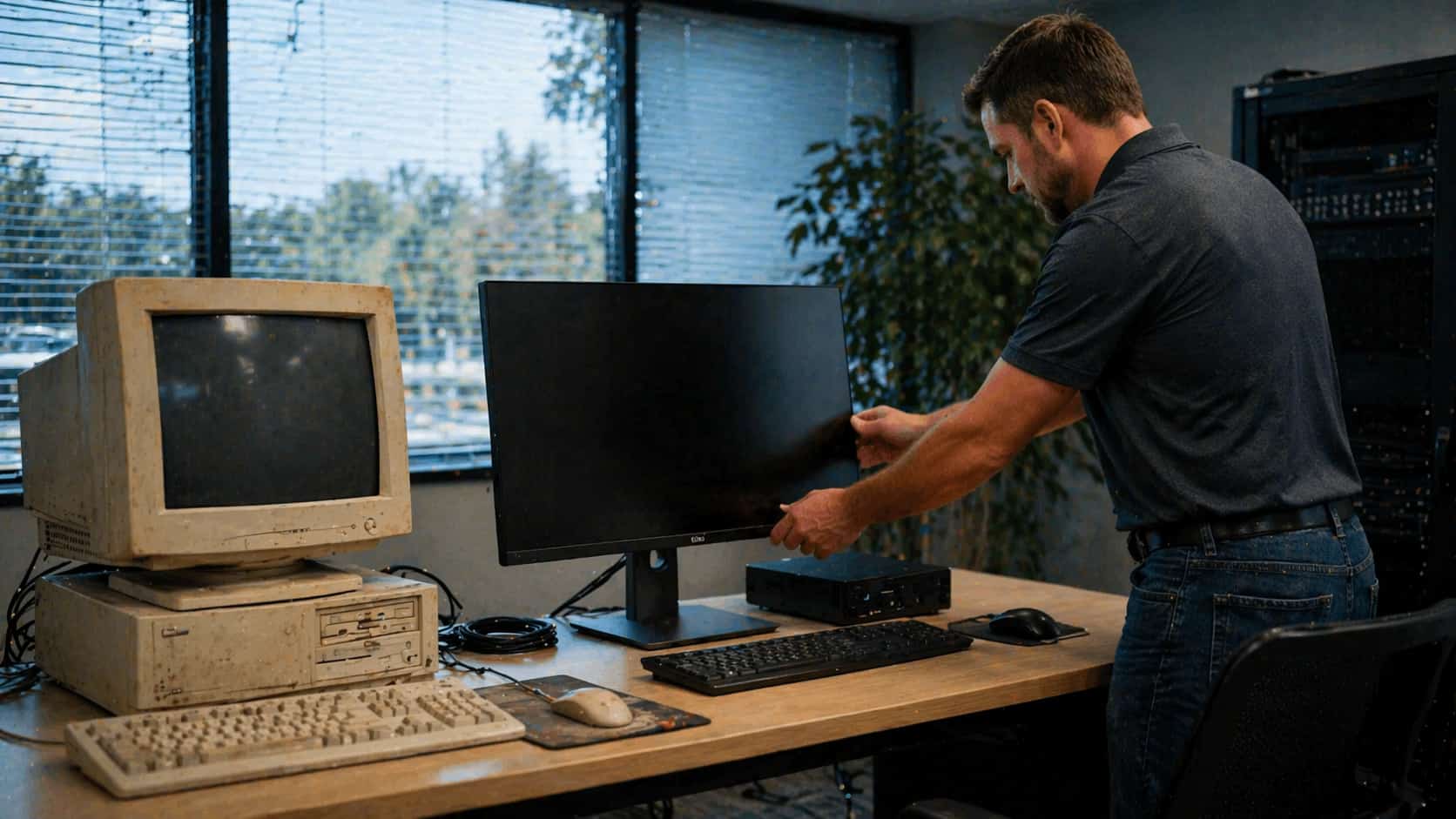
When Should a North Central Florida Business Replace Its Computers?
← Back to Blog
Managed IT

When Should a North Central Florida Business Replace Its Computers?

October 28, 20255 min readSteve Condit — Founder, Simply IT
Managed IT
When Should a North Central Florida Business Replace Its Computers?

“If it still boots up, keep using it” is the most expensive computer policy a business can have. Old computers cost more in lost productivity, security risk, and emergency replacement than the price of refreshing them on a predictable schedule. Understanding the true cost of old hardware changes how businesses think about IT spending.

5 yr
productive lifespan of a business computer
$1,450
avg replacement cost including labor
3x
productivity improvement on new hardware
$290
per computer per year refresh reserve
When to replace business computers
Predictable computer refresh cycles cost less than reactive emergency replacement.

THE REAL COST OF AN OLD COMPUTER

The monthly productivity loss on a 7-year-old computer typically exceeds the monthly amortized cost of a new one — and that is before counting security risk, emergency replacement cost, and the risk of sudden failure during a critical task.

Cost FactorOld ComputerNew Computer
Boot time2-5 min15 sec
Productivity hit30-60 min/dayNone
Security updatesMay be unsupportedCurrent
Failure riskHigh + unpredictableVery low
Emergency replacement$200-500 premiumN/A
Employee frustrationChronicNone

REPLACEMENT TRIGGERS — REPLACE THE COMPUTER IF...

It is running an unsupported operating system (Windows 10 end of life Oct 2025, older Mac OS)
Boot time is consistently over 2 minutes
Applications crash or freeze multiple times per day
It is over 5 years old and used for primary work
The hard drive is a spinning disk rather than SSD
It has less than 8GB of RAM for business work
It does not support modern security features (TPM 2.0, Secure Boot)
Employees have complained about it repeatedly
// Warning
An operating system past end of life no longer receives security updates. Every known vulnerability discovered after end of life stays unpatched forever — and cyber criminals know exactly which machines to target.
“The most expensive computer in your office is probably the oldest one — in lost productivity, security risk, and eventual emergency replacement cost.”
Simply IT — Ocala, FL
// Key Takeaway
Budget $290/computer/year as a refresh reserve. When the computer hits year 5, there is money set aside to replace it on your schedule — not the emergency schedule dictated by a sudden failure.
VIDEO COMING SOON
Simply IT — Computer Refresh Planning
PLAN YOUR IT REFRESH BUDGET
Use the Simply IT Budget Planner to model computer refresh costs and plan replacements before they become emergencies.
Open Budget Planner →
Try the IT Budget Planner →
Steve Condit — Founder of Simply IT, Ocala FL
// Written By
STEVE CONDIT
Founder & Owner, Simply IT · US Marine Veteran · 30+ Years IT Experience

Steve Condit founded Simply IT to bring enterprise-grade IT management to small and mid-sized businesses across North Central Florida. With over 30 years of IT experience and a background in the US Marine Corps, Steve built Simply IT around the principle that local businesses deserve the same quality of technology partnership that large companies take for granted — without long-term contracts or national call center support.


MORE ARTICLES
Cloud & Productivity
SharePoint for Small Business — How Ocala Companies Are Replacing File Servers
April 14, 2026 · 6 min read
SharePoint for Small Business — How Ocala Companies Are Replacing File Servers
Read Article →
Cloud & Productivity
Microsoft Teams vs Traditional Business Communication — What North Central Florida Businesses Need to Know
March 24, 2026 · 5 min read
Microsoft Teams vs Traditional Business Communication — What North Central Florida Businesses Need to Know
Read Article →
Cloud & Productivity
Cloud Backup vs Local Backup — What Every Florida Small Business Needs to Know
March 3, 2026 · 5 min read
Cloud Backup vs Local Backup — What Every Florida Small Business Needs to Know
Read Article →

READY TO SOLVE YOUR IT CHALLENGES?

Get a free technology assessment and find out exactly where your business stands.

Get a Free Assessment →See Our Pricing →