Starting a new business in Ocala is exciting, and in the rush to open your doors, technology decisions often get made quickly and without much thought. Unfortunately, the IT shortcuts that feel fine on day one become expensive problems within the first year. After helping dozens of new businesses across North Central Florida get their technology right, here are the seven most common IT mistakes we see — and how to avoid them.
7
Common IT mistakes documented
$1,450
Avg computer replacement cost
90
Days to outgrow consumer internet
Day 1
Right time to set up backup
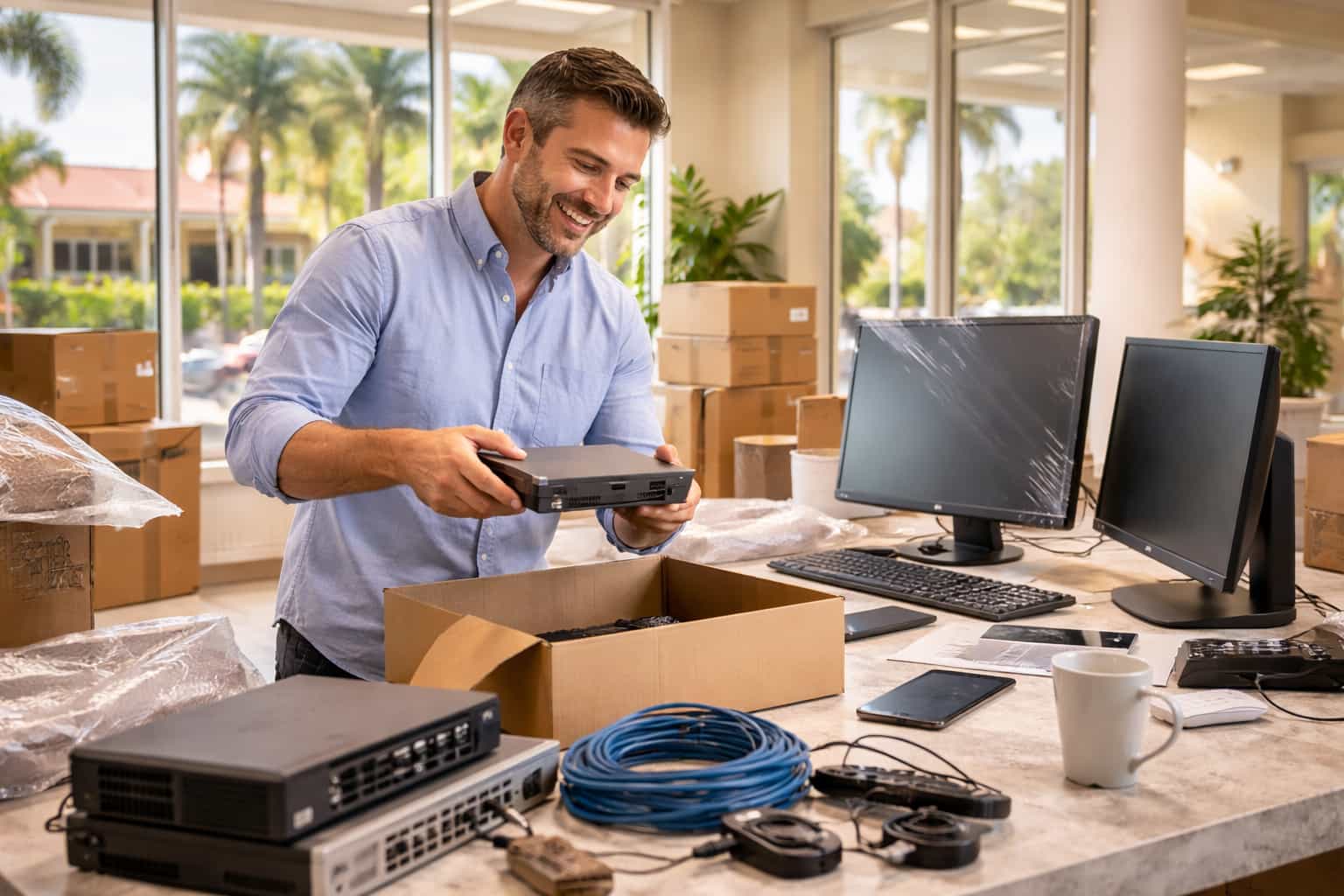
The technology shortcuts that feel fine on day one become expensive problems within the first year.
The 7 Most Common IT Mistakes
1
Consumer Internet
Cost: extended downtime with no SLA. Residential plans have slower uploads, no guaranteed uptime, and longer repair times.
2
Personal Email for Business
Cost: lost communications when employees leave. No centralized management, no compliance, no data retention.
3
Consumer Computers
Cost: shorter lifespan, no remote management, poor warranty. Consumer hardware fails faster under all-day business use.
4
No Backup on Day One
Cost: catastrophic data loss. From the moment you create your first document, that data needs automated backup.
5
No Firewall
Cost: $25K-$50K average cyber incident. Your ISP router provides zero intrusion prevention or threat visibility.
6
No Password Manager
Cost: credential theft from password reuse. Employees accumulate 80-100 accounts and reuse passwords without a manager.
7
Waiting Too Long for IT
Cost: 3-5x remediation vs. setup. Technical debt from shortcuts compounds until it costs far more to fix than it would have to prevent.
// Warning
The consumer router your ISP installs is NOT a firewall. It provides basic connectivity but zero intrusion prevention, zero content filtering, and zero visibility into threats targeting your network.
The Right Way vs. The Wrong Way
| Category | Wrong Way | Right Way |
|---|
| Internet | Residential / no SLA | Business-class with SLA |
| Email | Gmail / Yahoo personal | Microsoft 365 business |
| Hardware | Costco consumer laptop | Business-class Dell / Lenovo |
| Backup | Plan to set up later | Automated cloud from day 1 |
| Security | ISP router only | Firewall + endpoint protection |
| Passwords | Sticky notes / reuse | Password manager |
DAY-ONE TECHNOLOGY REQUIREMENTS
✓
Business-class internet with SLA✓
Business email (Microsoft 365)✓
Business-class computers✓
Password manager for all accounts✓
MFA enabled on all services"Technology decisions are harder to undo than to avoid. Every month a new business operates with consumer equipment, personal email, and no backup adds to a technical debt that will eventually come due — usually at the worst possible time."
Simply IT Consulting Team
VIDEO COMING SOON
Simply IT — Starting a Business in Ocala — IT Checklist
STARTING A NEW BUSINESS?
Download our free new business IT guide for a complete technology planning checklist.
Simply IT helps new businesses across Ocala and North Central Florida start with the right technology foundation from day one.
Get the Free New Business IT Setup Guide →